GTA 6 "Buck Me" mission: opening your bank account
How to complete "Buck Me" in GTA 6: going to the Fleeca bank with Lucia, the manager's rejection, and moving BuckMe's $100 into Family Savings.
- Character
- Jason
- Given by
- Lucia
- Reward
- The BuckMe app and a $100 welcome deposit
Story spoilers
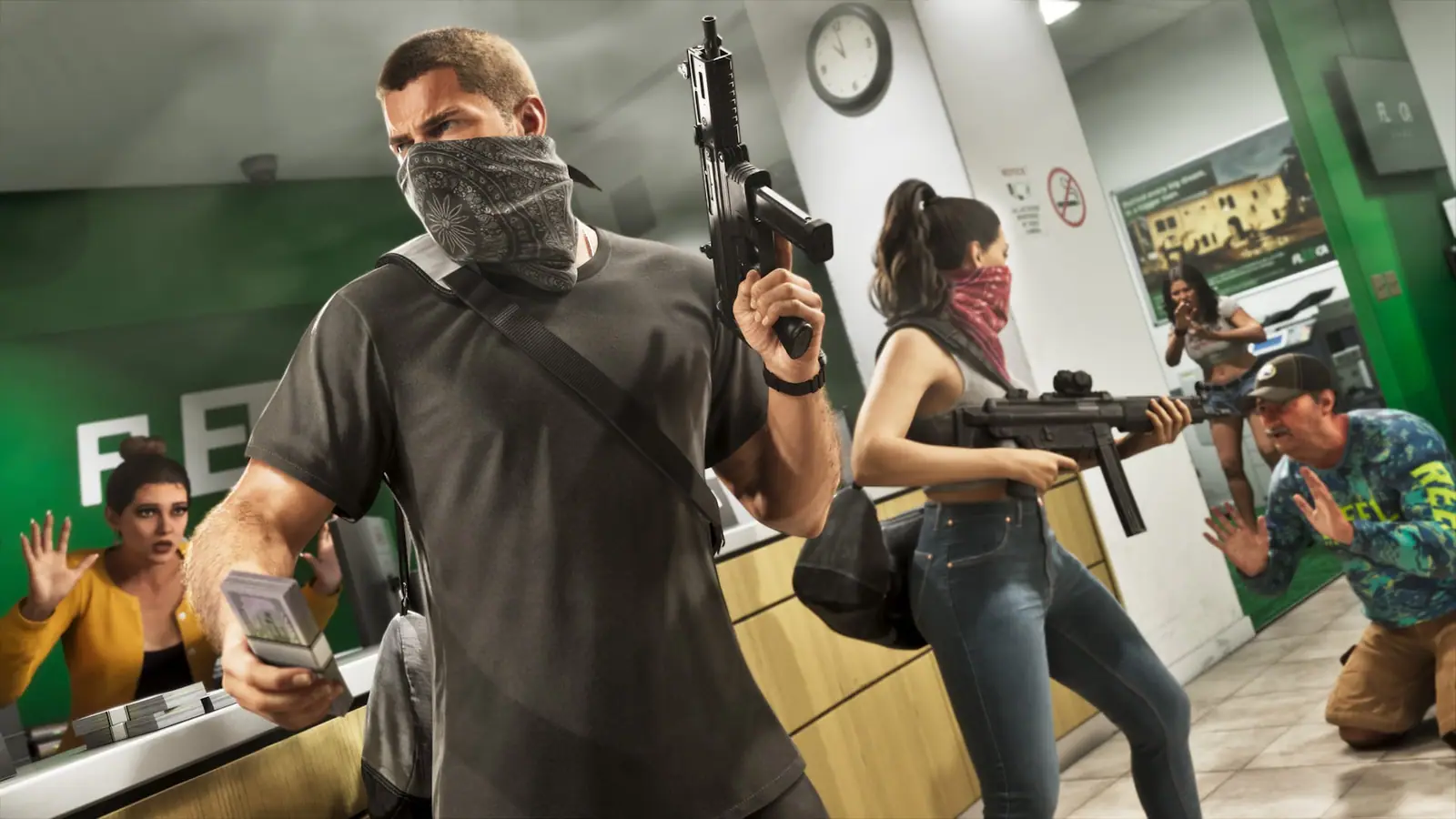
On the map it shows up as “Set Up Bank Account”. Lucia needs an account to get paid, so you head to the Fleeca bank. The bank turns you down and you end up with BuckMe, the app that works as the game’s bank.
Step by step
- Go to the Fleeca bank marked on the map.
- Talk to the teller, who sends you to the manager.
- Follow the manager into his office.
- Back home, open the BuckMe app on your phone. You’ve been given a $100 welcome deposit.
- Move the $100 into Family Savings with the Buck Yourself option and confirm.
Tips
- Family Savings can’t be withdrawn, but it can’t be lost either. Don’t put money there that you’ll need.
- Deposit cash at an ATM: the app’s ATM Finder option marks the nearest one.
- Savings goals raise your account limit and give you discounts. We explain it all in our BuckMe guide.
- Next mission: “Down to Earth”.
Sources
- GTA 6 Buck Me (Set Up Bank Account) Walkthrough · PowerPyx
- GTA 6 Buck Me: Set Up Your Bank Account · Output Lag